Developer flow
- Sign in or create an account, then open /console.
- Create a developer profile and a publisher. A publisher owns games, members, MCP tokens, and capacity requests.
- Create a game draft with store listing metadata and localized text.
- Upload build metadata, submit review, create a release draft, then submit the release for review.
Required before first release
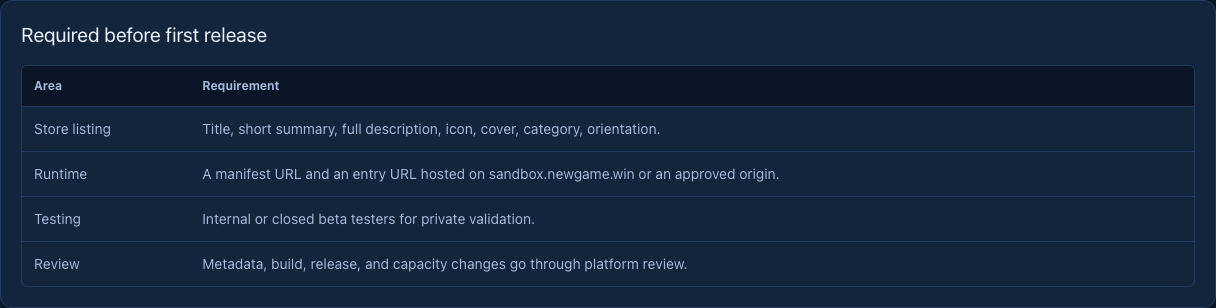
| Area | Requirement |
|---|---|
| Store listing | Title, short summary, full description, icon, cover, category, orientation. |
| Runtime | A manifest URL and an entry URL hosted on sandbox.newgame.win or an approved origin. |
| Testing | Internal or closed beta testers for private validation. |
| Review | Metadata, build, release, and capacity changes go through platform review. |